
Drop a line

info@ajakaiict.net

Call experts

+255 (0) 755 328 419

Computer Application Masterclass
Categories: Computer Courses
Wishlist Share

About Course

The Computer Application Masterclass is designed for students, office workers, business owners, job seekers, and anyone who wants to gain practical computer skills for daily use and professional work environments.

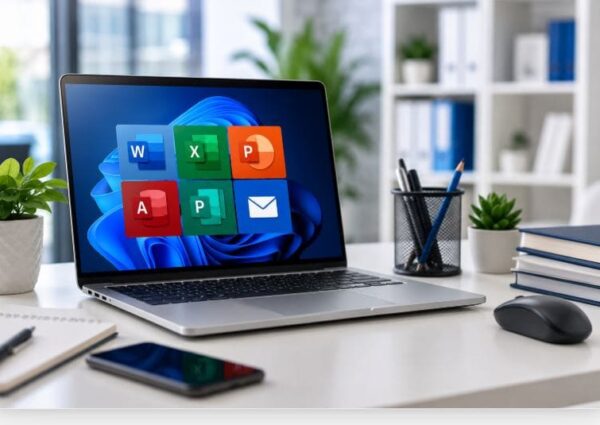
This course provides step-by-step practical training in Microsoft Office applications, internet usage, email communication, file management, and digital office tools. Students will gain hands-on experience through real-world exercises and practical assignments.

The course is beginner-friendly and does not require any previous computer experience.

By the end of this course, students will be able to:

  • Use computers confidently and efficiently
  • Create professional documents
  • Work with spreadsheets and calculations
  • Design presentations
  • Use internet and email professionally
  • Manage files and folders effectively
  • Perform modern office and business tasks using digital tools
Show More

What Will You Learn?

  • Understand basic computer operations
  • Use Microsoft Word professionally
  • Create spreadsheets using Microsoft Excel
  • Design presentations using PowerPoint
  • Manage files and folders effectively
  • Use internet and email professionally
  • Create publications using Microsoft Publisher
  • Understand database basics with Microsoft Access
  • Improve digital and office productivity skills
  • Perform practical computer tasks confidently

Course Content

Introduction to Computer
Learn the fundamentals of computers, including hardware, software, computer operations, and basic digital skills for beginners.

  • Computer Basics
  • Introduction to Computer Quiz

Windows & File Management
Learn how to navigate the Windows operating system, manage files and folders, and organize computer storage effectively.

Microsoft Word
Learn how to create, edit, format, and print professional documents using Microsoft Word.

Microsoft Excel
Learn how to organize data, perform calculations, create charts, and analyze information using Microsoft Excel.

Microsoft PowerPoint
Learn how to create professional presentations, slides, animations, and visual content using Microsoft PowerPoint.

Microsoft Access
Learn how to create, manage, and organize databases using Microsoft Access for business and office data management.

Microsoft Publisher
Learn how to create professional publications such as flyers, brochures, posters, and business cards using Microsoft Publisher.

Internet & Email
Learn how to browse the internet, search for information, communicate through email, and stay safe online.