
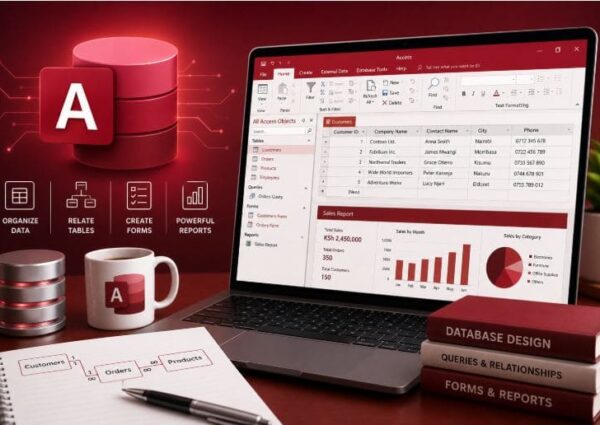
This course provides a practical introduction to Microsoft Access, a powerful tool for creating, managing, and analyzing relational databases. Designed for beginners and intermediate users, the course covers the core components of Access—tables, queries, forms, and reports—and teaches students how to design and manage databases for business, academic, or personal use.
Through hands-on projects and guided instruction, learners will explore how to create structured databases, build efficient data entry forms, extract information using queries, and generate professional reports. The course also introduces database relationships, normalization, automation with macros, and essential database management techniques.
By the end of the course, students will be able to confidently design functional databases, ensure data integrity, and automate routine tasks, making them more effective in data-driven environments.
Students and educators
Administrative and business professionals
Analysts and data entry specialists
Anyone seeking to organize and manage data efficiently
Understand relational database concepts and terminology.
Design, create, and manage Microsoft Access databases.
Build tables, forms, queries, and reports.
Automate tasks using macros and basic VBA.
Apply data validation, relationships, and normalization techniques.