
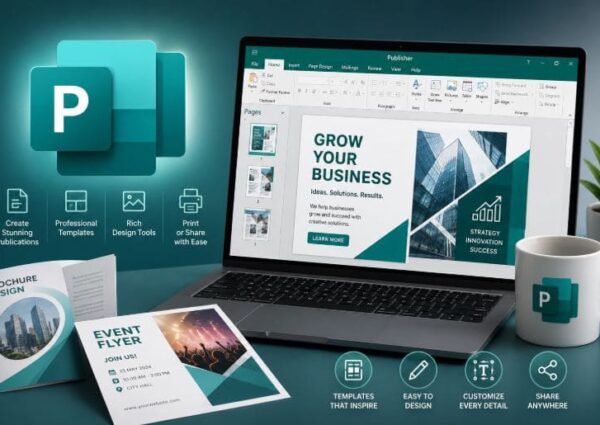
This hands-on course introduces learners to Microsoft Publisher, a powerful desktop publishing application used to create professional-quality documents such as flyers, brochures, newsletters, business cards, and more. Whether you’re designing for print or digital use, this course covers the essential tools and techniques needed to produce visually appealing publications with ease and efficiency.
Students will explore Publisher’s intuitive layout interface, learn how to use templates effectively, work with text and images, apply design principles, and finalize documents for distribution. Through guided practice, real-world projects, and instructor support, participants will gain the skills necessary to confidently create polished materials for both personal and business use.
By the end of this course, participants will be able to:
Understand the Microsoft Publisher interface and basic tools.
Create professional-quality print and digital publications.
Use templates, text boxes, images, and shapes effectively.
Customize layouts, design elements, and color schemes.
Prepare files for print, PDF export, or digital sharing.
Small business owners
Marketing professionals
Office administrators
Students and educators
Anyone wanting to create polished documents without advanced design skills