How To Install Android App Remotely Using Gmail Account
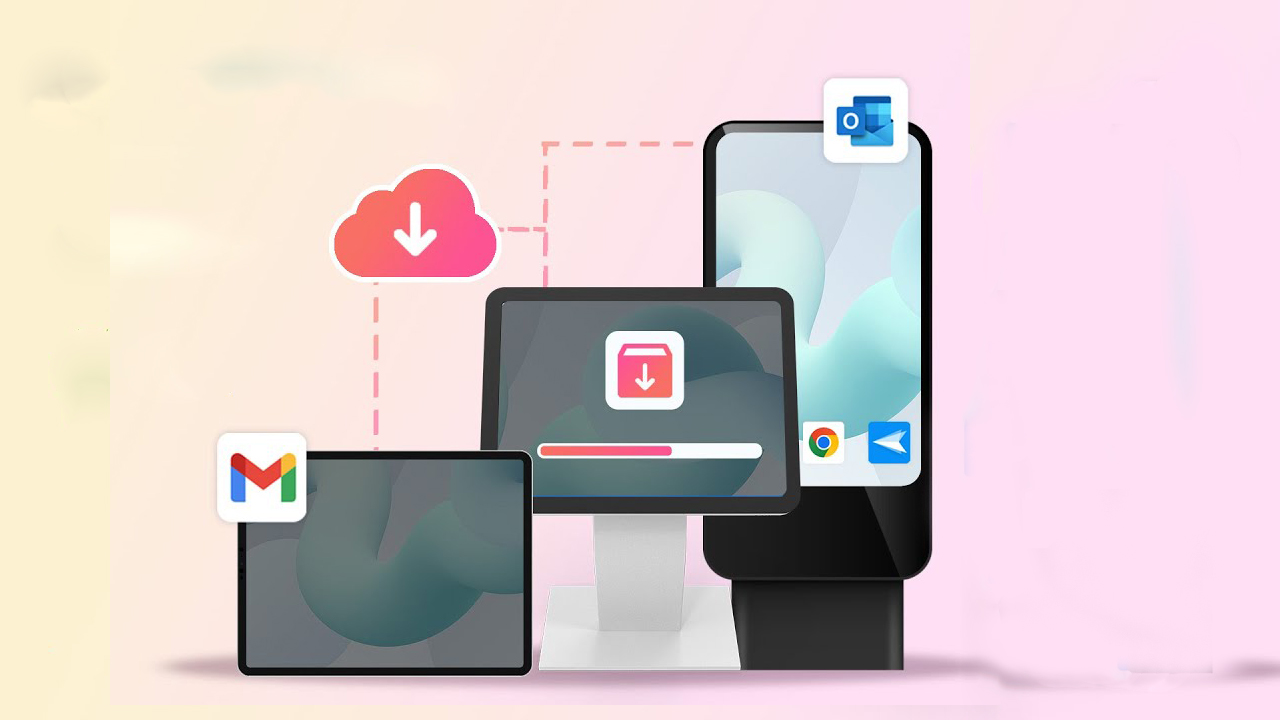
To install an Android app remotely using your Gmail account, follow these steps - it's quick and safe if you're logged into the same Google account on both your phone and browser.
Requirements
-
You must be signed in to the same Gmail/Google account on both:
-
Your Android phone
-
Your web browser (e.g., Chrome) on a PC or another phone
-
-
Your Android phone must be turned on, connected to the internet, and visible in your Google Play account
Steps to Install App Remotely
-
Open your browser (on any device).
-
Go to: https://play.google.com
-
Make sure you're signed in with the same Gmail account used on your Android phone.
-
Search for the app you want to install.
-
Click on the app from the results.
-
Tap the "Install" button.
-
A pop-up will ask you to choose the device (if you have more than one).
-
Select the correct Android device and click Install again.
The app will automatically start downloading on your Android phone.
Troubleshooting
-
Device not showing up?
-
Make sure your device is linked to your Google account.
-
Check that Play Store is updated and synced.
-
-
Installation not starting?
-
Check that your phone is connected to the internet.
-
Try refreshing or reinstalling the Play Store if it's not responding.
-