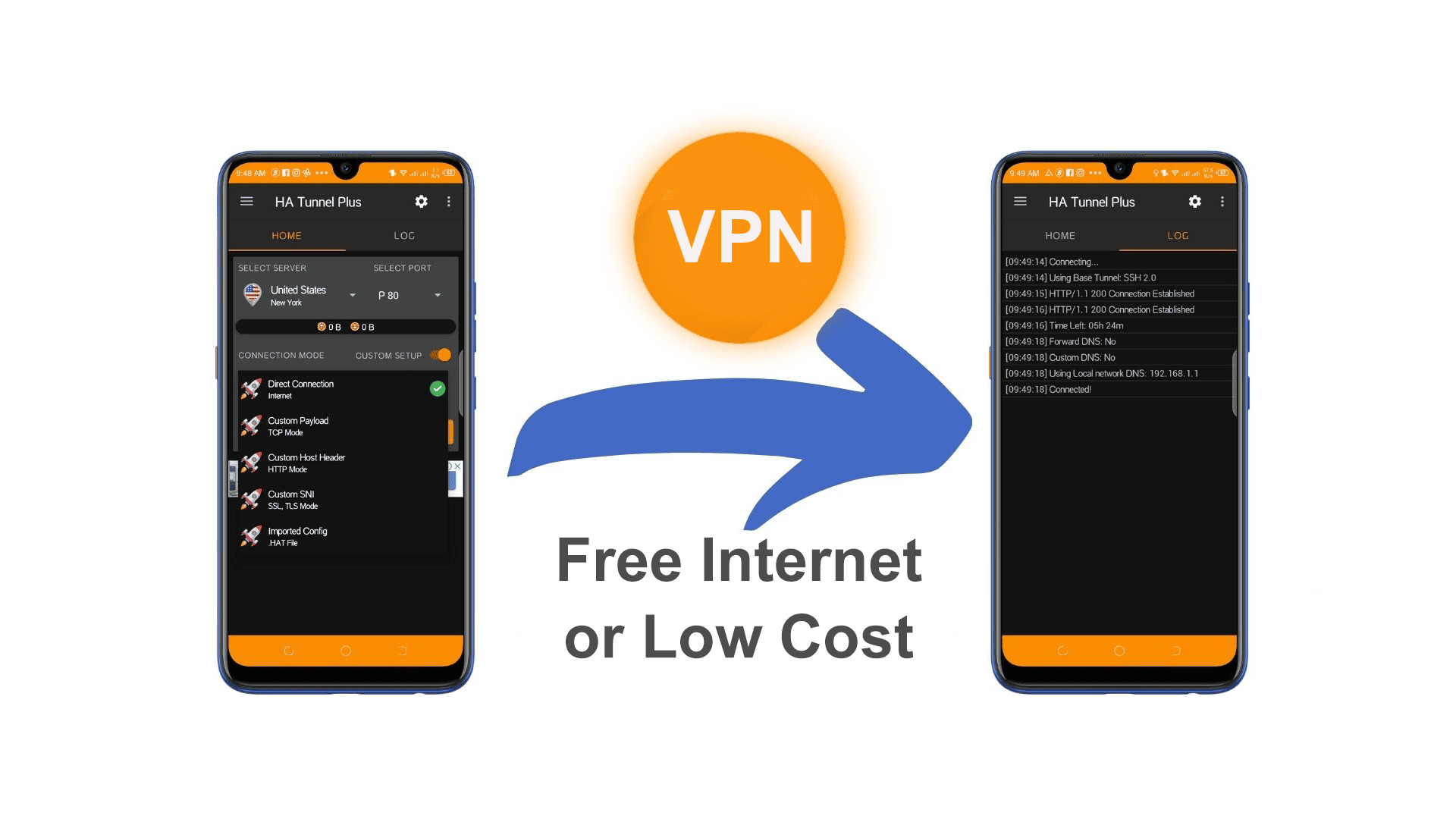
Halotel & Vodacom Configuration For Tunnel Plus VPN App (For Free Or Low-Cost Internet Access)
HALOTEL - TUNNEL PLUS
Halotel configuration for Tunnel Plus VPN app (for free or low-cost internet access or tunneling setup) involves specific settings, including a working payload, SNI/host, and network setup. Here's a general guide to help you configure Tunnel Plus for Halotel Tanzania:
Requirements:
-
Halotel SIM card with a working 3G/4G connection.
-
Tunnel Plus VPN app (Install from Play Store or trusted source).
-
Halotel APN settings correctly configured.
-
Free or active internet bundle (based on the method used).
1. Halotel Default APN Settings:
Make sure your phone is using the default Halotel APN:
-
Name: Halotel
-
APN: halotel
-
Username: (leave blank)
-
Password: (leave blank)
-
MCC: 640
-
MNC: 05
-
APN Type: default,supl
-
Save and select this APN.
2. Tunnel Plus VPN Configuration (Sample Setup)
Here's how to configure Tunnel Plus manually:
General Settings:
-
Connection Mode: HTTP
-
Server: Choose any working server (trial or premium)
-
Port: 80 or 8080
3. Payload Generator Settings:
You can create a payload based on free or zero-rated sites from Halotel.
Example Payload (Using zero-rated hosts):
GET / HTTP/1.1
Host: halotel.co.tz
Connection: Keep-Alive
User-Agent: Mozilla/5.0
You can also use other host tricks like:
-
zero.facebook.com -
m.facebook.com -
www.google.com -
internet.org
These depend on whether Halotel gives free access to them (zero-rating). Sometimes only Facebook Zero or certain educational or government sites are allowed freely.
4. Start Connection
-
After setting up the payload, go back to the main screen.
-
Select the server.
-
Tap Start.
-
Wait for Connected status. Once connected, test by opening a browser.
Note:
-
Free internet tricks often stop working as Halotel updates its firewalls and filtering.
-
Some configurations might require custom SNI, SSL or SSH account for tunneling.
-
You can find ready-made configs online or on Telegram groups related to Halotel free net (e.g., "Halotel Free Net Tanzania").
Tips:
-
Join VPN config-sharing groups for updates.
-
Always test different hosts and payload styles.
-
Use apps like HTTP Injector, TLS Tunnel, or Stark VPN as alternatives if Tunnel Plus doesn't work.
VODACOM - TUNNEL PLUS
Here is a guide for setting up Tunnel Plus VPN for Vodacom Tanzania, commonly used for free net or bypassing data limits using tricks like SNI, zero-rated websites, or custom payloads.
REQUIREMENTS:
-
Vodacom SIM card.
-
Working internet signal (3G/4G).
-
Tunnel Plus VPN app (from Play Store or APK site).
-
Active or zero-rated access (like Facebook Zero or educational portals).
-
Optional: SSH account (for stable connection).
1. Vodacom Tanzania APN Settings (Default)
Make sure your Vodacom APN is correctly set:
-
Name: Vodacom
-
APN: internet
-
Username/Password: (leave blank)
-
MCC: 640
-
MNC: 04
-
APN Type: default,supl
-
Save and select this APN before using Tunnel Plus.
2. Tunnel Plus VPN Setup for Vodacom Connection Mode: HTTP or SSL (depends on payload style)
-
Server: Use a working VPN server from Tunnel Plus (Free or Premium).
-
Port: Try
8080,443, or80
3. Payload Generator Example (Free Net / Zero-Rated)
Example Payload for zero-rated.facebook.com
GET / HTTP/1.1
Host: zero.facebook.com
Connection: Keep-Alive
User-Agent: Mozilla/5.0
Other working hosts for Vodacom (test each one):
-
zero.facebook.com -
www.passport.vodacom.co.tz -
eacop.com(example of zero-rated sites) -
elearning.vodacom.co.tz -
facebook.com(some plans allow free basics)
Not all hosts work at all times – Vodacom frequently changes policies.
4. For SSL/HTTPS Payload Mode (Optional)
Use this SNI Trick in SSL mode:
-
Mode: SSL
-
SNI:
zero.facebook.comorelearning.vodacom.co.tz -
Tick Spoof Host:Port if available
-
Port:
443
5. Connect
-
Go back to the Tunnel Plus home screen.
-
Tap Start.
-
Wait until it shows Connected.
-
Open browser or apps to check if internet is working.
Example use cases:
-
Free Facebook (zero.facebook.com)
-
Social bundle tunneling
-
Free educational sites
-
General net with premium SSH